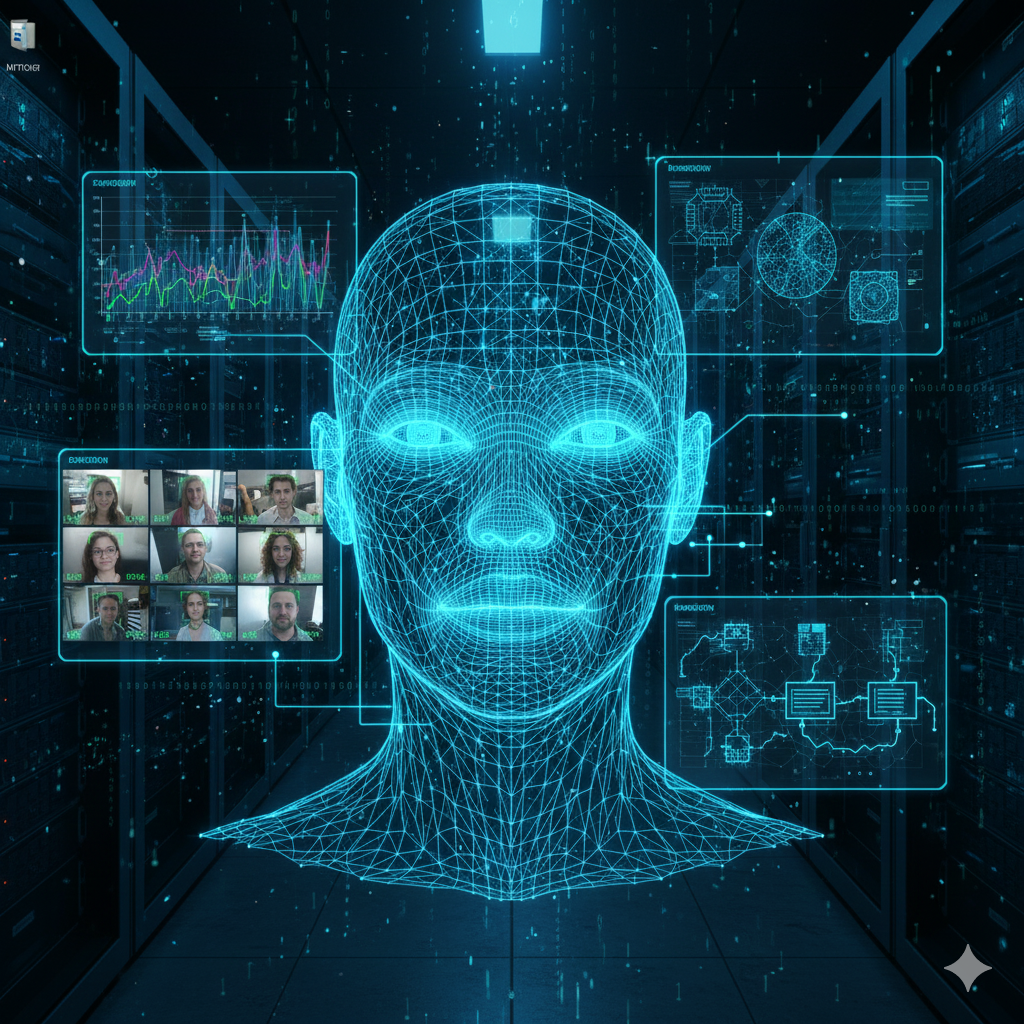
Face Recognition System Using FaceNet and MTCNN
A Deep Learning-Based Real-Time Face Detection and Recognition System
Introduction
This project implements a real-time face recognition system using a combination of FaceNet for face embedding extraction and MTCNN for accurate face detection. It leverages deep learning models to detect, extract, and recognize faces efficiently.
- Face Detection: MTCNN (Multi-task Cascaded Convolutional Networks)
- Face Embeddings: FaceNet Inception-ResNet-v1
- Frameworks Used: TensorFlow/Keras, OpenCV, and NumPy
- Face Encoding Storage: Pickle Serialization
Technical Workflow
1. Face Detection with MTCNN
The project uses MTCNN to detect faces in an image or video stream. MTCNN is a pre-trained deep learning model that detects faces with high accuracy and outputs bounding box coordinates for each face.
For each detected face, MTCNN provides:
- Bounding Box: Coordinates of the detected face (x, y, width, height)
- Confidence Score: Probability that the detected region is a face
Here is how MTCNN is applied to detect a face in an image:
            face_detector = mtcnn.MTCNN()

            faces = face_detector.detect_faces(image_rgb)

            box = faces[0]['box']  # Extract bounding box of the first detected face
2. Face Embeddings with FaceNet
Once a face is detected, the project extracts face embeddings using the FaceNet model (Inception-ResNet-v1 architecture). FaceNet is a deep learning model that generates a compact 128-dimensional embedding for a face.
These embeddings represent the unique facial features, enabling accurate comparison and recognition. The process involves:
- Resizing the face to
160x160pixels - Normalizing pixel values (zero mean and unit variance)
- Passing the face through the FaceNet model to obtain embeddings
Snippet for embedding extraction:
            face = cv2.resize(face, (160, 160))

            face = normalize(face)

            embeddings = face_encoder.predict(np.expand_dims(face, axis=0))
Training and Encoding Faces
To recognize faces, the system creates an "encoding dictionary" of known faces. The training process involves:
- Reading face images from a dataset directory (
Faces/) - Detecting faces using MTCNN
- Generating embeddings using FaceNet
- Normalizing and averaging embeddings for each person
The final embeddings are stored in a pickle file for fast retrieval during recognition.
            encoding_dict[person_name] = l2_normalizer.transform(np.mean(encodes, axis=0))

            with open("encodings/encodings.pkl", "wb") as file:

                pickle.dump(encoding_dict, file)
Real-Time Face Recognition
The real-time recognition system uses a webcam feed. The process involves:
- Capturing frames from the webcam
- Detecting faces in the frame using MTCNN
- Extracting embeddings for each face using FaceNet
- Comparing embeddings with stored encodings using Cosine Similarity
The cosine similarity metric identifies how similar two embeddings are. If the distance is below a
threshold (0.5), the face is recognized.
            distance = cosine(db_encode, detected_face_encode)

            if distance < recognition_threshold:

                print(f"Recognized as: {name}")
Recognized faces are displayed in green bounding boxes, and unknown faces are shown in red.
Results and Analysis
The system performs real-time face recognition with impressive accuracy and low latency. Key Observations:
- FaceNet embeddings are highly robust and handle variations like lighting, orientation, and expression.
- MTCNN accurately detects faces even in cluttered backgrounds.
- Real-time processing ensures smooth performance with a webcam feed.
The cosine similarity threshold ensures a good balance between precision and recall in recognition.
Key Highlights
- Real-time face detection and recognition using deep learning
- High-accuracy embeddings with FaceNet (128-dimensional vector)
- Fast and accurate face detection using MTCNN
- Seamless integration of OpenCV for real-time webcam feed
How to Run the Project
- Place training images in the
Faces/{Person_Name}directory. - Run
train_v2.pyto generate face encodings. - Start the recognition system using
detect.py. - Press
'q'to exit the webcam feed.
GitHub Repository
Access the complete project code and instructions here: GitHub Repository
Developed with a passion for computer vision and deep learning. Explore more projects on GitHub.